From trading on who the next president of Nigeria will be, to what the price of bitcoin will reach by the end of the year, to backing Chelsea on the weekend or calling whether fuel prices will rise this month, GoWagr lets you trade your opinion in real-time, and make profits while at it
Now, we’ve made it even easier and elevated the experience for our Nigerian community to tap into the action. We heard your feedback. We moved fast. And we’re happy to introduce the latest updates on the GoWagr app:
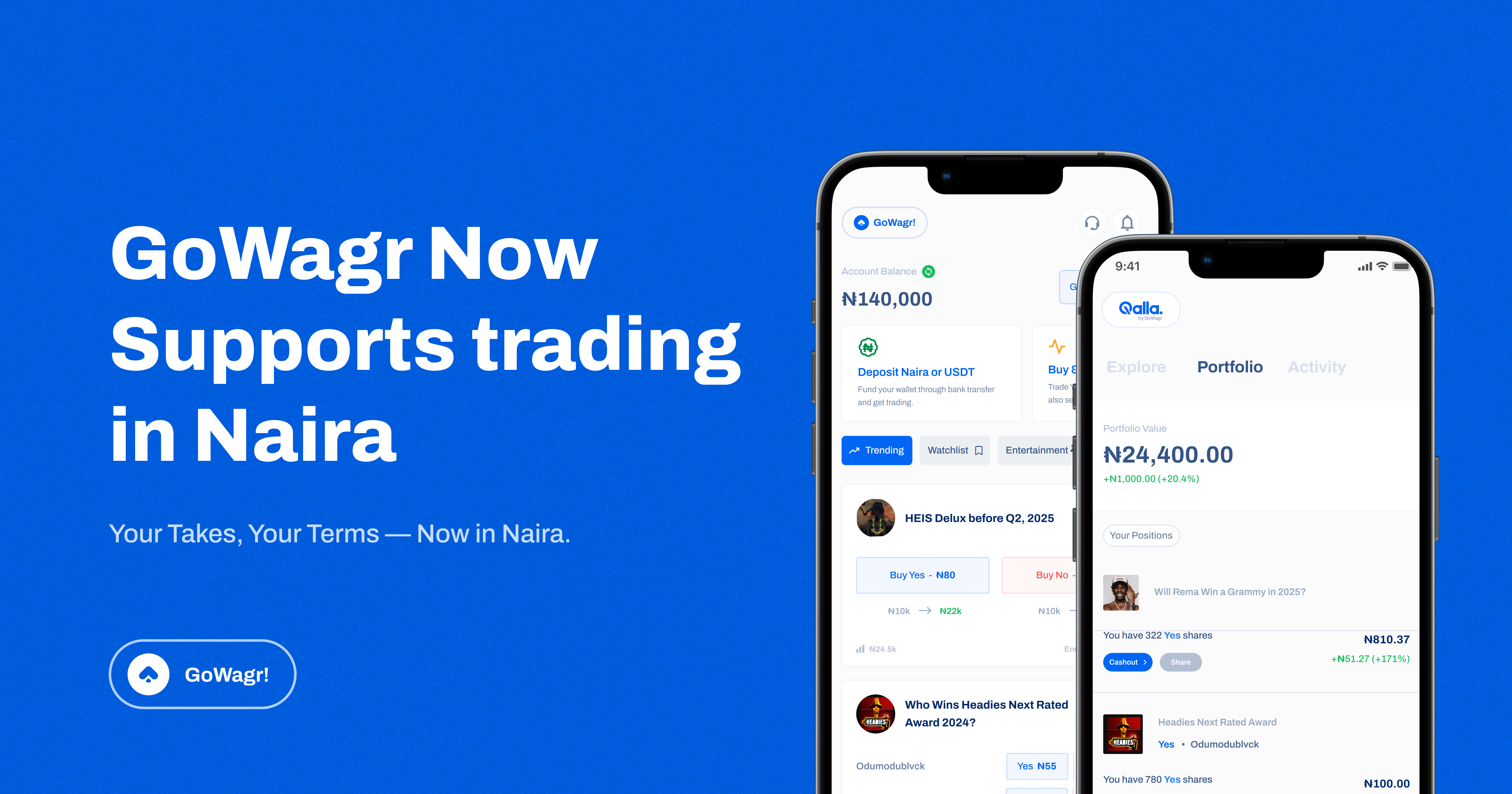
You can now trade in Naira.
Up until now, all trades on GoWagr have happened in USD. While that works for many of our users, we know that flexibility is everything, so we’re introducing Naira. Nigerian users can now make trades directly in Naira, also for inclusivity, we have also brought down the minimum trade amount to just ₦100.
No more converting behind the scenes, just open your app, fund your wallet in Naira, and start trading.
So, does this affect your existing assets and open positions?
No, it doesn’t.
To trade in Naira, you’ll need to move your current assets from USD. We’ve made it easy — just update the app and use the “Move assets to Naira” option to switch all your open USD trades and wallet balance to Naira in one click.

No stress, no extra steps.
When you switch to Naira, your balance and open trades move with it — so you can keep trading smoothly, now in Naira.
As an existing user, once you update the app, you’ll get a prompt to convert and migrate all your assets (open trades and wallet balance) to Naira. We also made it optional for those who want to continue using the app in USD.
What else is new?
Switch Between Wallets (Naira & USD)
You now have two wallets on GoWagr — one in Naira and one in USD. You can choose which one to view and trade with.
However, you can only trade with one wallet at a time.
If you have active trades in USD, you must close them before trading in Naira, and vice versa.
Switching wallets doesn’t convert your funds — it only changes your active wallet and how the app is displayed.
Now you can pick your preferred wallet, manage your portfolio, and enjoy more control on GoWagr.
Convert currencies — Naira & USD
Now you can convert between your dollar and naira wallet balance.
Here’s how:

- Click “Go to Wallet” at the top-right corner of your screen, then select the wallet you want to convert from.
- Click on the blue convert icon and input the amount you would like to convert
- Click on “proceed” to complete the conversion
“YES” & “NO” Charts Are Now Live
Until now, GoWagr showed only “YES” sentiment charts, so you could only track how confident the market was about an event happening. Now we’ve added “NO” sentiment charts too.
Why it matters:
- You get both sides of the market in real-time
- Spot reversals, spikes, and confidence drops — across both YES and NO
- Make smarter trades with a more complete picture
Whether you’re backing a political candidate to win the next election or predicting that Wizkid’s next drop won’t reach a million first-day streams, you now have data to match your instincts.
What This Means for You
Prediction markets aren’t just about opinions — they’re about quick thinking, smart insights, and staying tapped into culture. GoWagr is built to be the easiest and most relatable way to trade what’s happening around you.
With these updates:
- You can choose your preferred currency, switch strategies, and cash out how you want.
- Trading is now more flexible, more personal, and with a lower entry point of just ₦100, it’s easier than ever to get started.
Update your app, explore the new features, and start trading. No barriers, just opinions, instincts, and a better experience.
Get started, download the latest update here